

What Is a CRM System? A Plain-English Guide for Business Owners
A CRM system (Customer Relationship Management system) is software that centralises every interaction your business has with prospects and clients — contact records, emails, calls, deals, and tasks — so your team works from a single source of truth instead of scattered spreadsheets and inboxes.
If you have ever lost a lead because nobody followed up, or had two sales reps contact the same prospect on the same day, you have already felt the cost of running without a CRM system. This guide explains what a CRM system is, how it works, what it does for different departments, and how to decide whether you need a ready-made platform or a custom-built solution.
What a CRM System Is — and What It Is Not
A CRM system is a database with workflow logic on top. It stores every person and organisation your business deals with, links those records to all past and future activity, and surfaces the right information to the right team member at the right moment.
A CRM system is not just a contact list. A spreadsheet can hold names and phone numbers; a CRM system tracks the full journey — first touch, proposal sent, contract signed, renewal due — and automates the repetitive steps in between.
Core Components of a CRM System
Contact and Account Management
Every person and company gets a record. The record holds contact details, company size, industry, owner, and a full activity timeline. When a colleague opens a record they see every email, call note, deal, and support ticket — no digging through inboxes.
Pipeline and Deal Management
Deals move through defined stages: Prospect → Qualified → Proposal → Negotiation → Closed. A CRM system makes the pipeline visual. Managers see exactly where revenue is stalled and which deals need attention today.
Activity Tracking
Calls, emails, meetings, and tasks are logged — manually by reps or automatically via email sync. Nothing falls through the cracks because the CRM system surfaces overdue tasks and reminds reps when to follow up.
Automation and Workflows
Rule-based automations handle repetitive work: send a welcome email when a lead is created, assign a follow-up task when a proposal is opened, alert a manager when a deal sits idle for seven days. These automations save hours every week and enforce process consistency.
Reporting and Dashboards
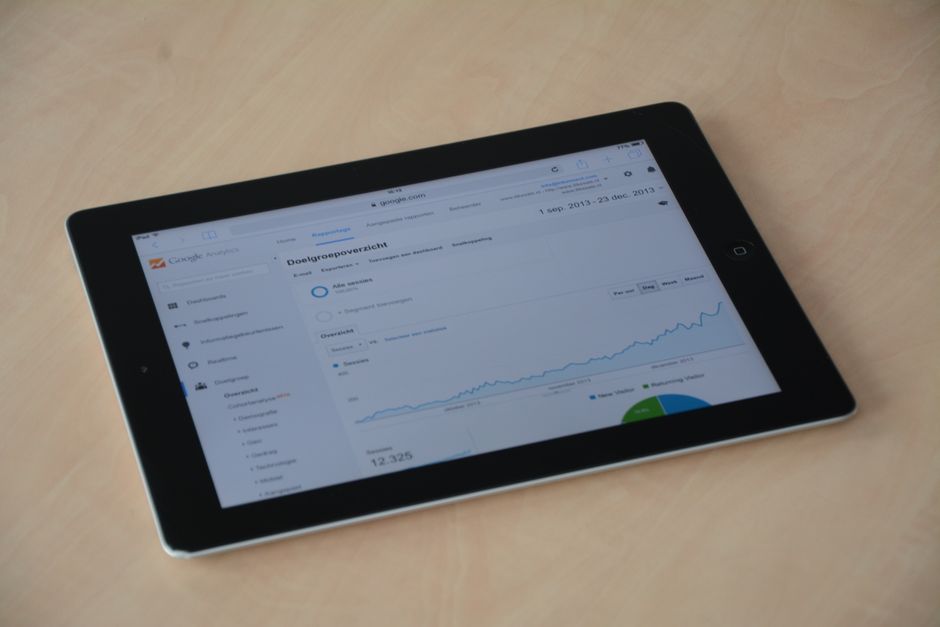
A CRM system turns pipeline data into charts: conversion rate by stage, revenue forecast, average deal length, rep performance. Management gets live visibility instead of waiting for weekly reports.
Who Uses a CRM System?
Sales Teams
Reps log calls, track deals, and see their full pipeline. Managers forecast revenue and coach based on data rather than gut feel.
Marketing Teams
Marketers segment contacts by industry, deal stage, or behaviour and send targeted campaigns. Lead scoring tells them which prospects are ready for a sales conversation.
Customer Support Teams
Support agents see the full purchase and service history before answering a call. Cases are tracked to resolution and patterns reveal product or process problems.
Operations and Finance
A CRM system connected to invoicing (like the Invoice Generator) or an ERP reduces double data entry and keeps billing aligned with the sales record.
Off-the-Shelf vs Custom CRM System
Salesforce, HubSpot, and Zoho CRM cover most standard sales and marketing workflows well. However, many businesses reach a point where the platform fights their process rather than supporting it — custom fields proliferate, workarounds multiply, and staff spend more time maintaining the CRM than using it.
A custom CRM system built specifically for your workflow eliminates that friction. Every field, every stage, every automation matches how your team actually works. There are no licensing tiers that gate features you need or force you to pay for features you never use.
Read the full comparison: CRM vs Spreadsheets and Custom CRM vs Off-the-Shelf.
Calculate the Operational Cost of Running Without a CRM System
Before deciding on a platform or a custom build, quantify the current cost: how many hours per week does your team spend on manual data entry, chasing overdue follow-ups, and reconciling conflicting records? Multiply that by your average hourly rate.
Your invoice data stays in your browser. Nothing is sent to any server.
Need help scoping a CRM system that fits your exact workflow? Nexsage builds custom CRM and portal solutions for service businesses, agencies, and B2B teams across Pakistan and internationally.
Chat on WhatsAppHow Long Does It Take to Build a CRM System?
A basic custom CRM system with contact management, pipeline, and reporting takes roughly eight to fourteen weeks from discovery to launch, depending on integration complexity. More advanced systems with multi-role portals, API connections, or reporting dashboards take longer. The timeline always starts with a scoping session — read about the implementation process to understand each phase.
Key Questions to Ask Before Selecting a CRM System
- How many users need access, and at what permission levels?
- Which third-party tools must integrate (email, accounting, ERP, support desk)?
- Do you need a client-facing portal alongside the internal CRM?
- What reporting does management need daily versus weekly?
- Will the system grow — new products, markets, or teams — in the next two years?
Frequently asked questions
What is a CRM system in simple terms?
A CRM system (Customer Relationship Management system) is software that stores all your contact records, tracks every sales deal and support case, and automates the follow-up tasks your team would otherwise do manually. It replaces scattered spreadsheets and email threads with a single, searchable database that the whole team shares.
What is the difference between a CRM system and CRM software?
The terms are interchangeable in everyday use. Strictly speaking, CRM software refers to the application itself, while CRM system can include the software, the processes, and the people using it. In practice, both terms mean the same platform.
Does a small business need a CRM system?
Yes, once you have more than a handful of active clients or leads. The benefit is not company size — it is the cost of a missed follow-up or a lost deal. Even a five-person team benefits from a shared pipeline and automated reminders.
Is a custom CRM system better than Salesforce or HubSpot?
It depends on your complexity. Off-the-shelf platforms work well for standard sales workflows. If your process is unique, your data model is complex, or you need a client portal alongside the internal CRM, a custom-built system typically delivers a better fit and lower long-term cost.
How much does a CRM system cost?
Off-the-shelf CRM systems range from free tiers to enterprise contracts running thousands of dollars per month. Custom CRM development is a one-time project investment, the scope of which depends on features and integrations — contact Nexsage for a scoped estimate.